Bay Alarm Medical SOS Smartwatch: A Hands-on Review
Bay Alarm Medical’s SOS Smartwatch is a wearable emergency-response device that is great for seniors who don’t love technology (and those who do!). Here’s how it stacked up against the competition in our testing.


How We Tested the SOS Smartwatch
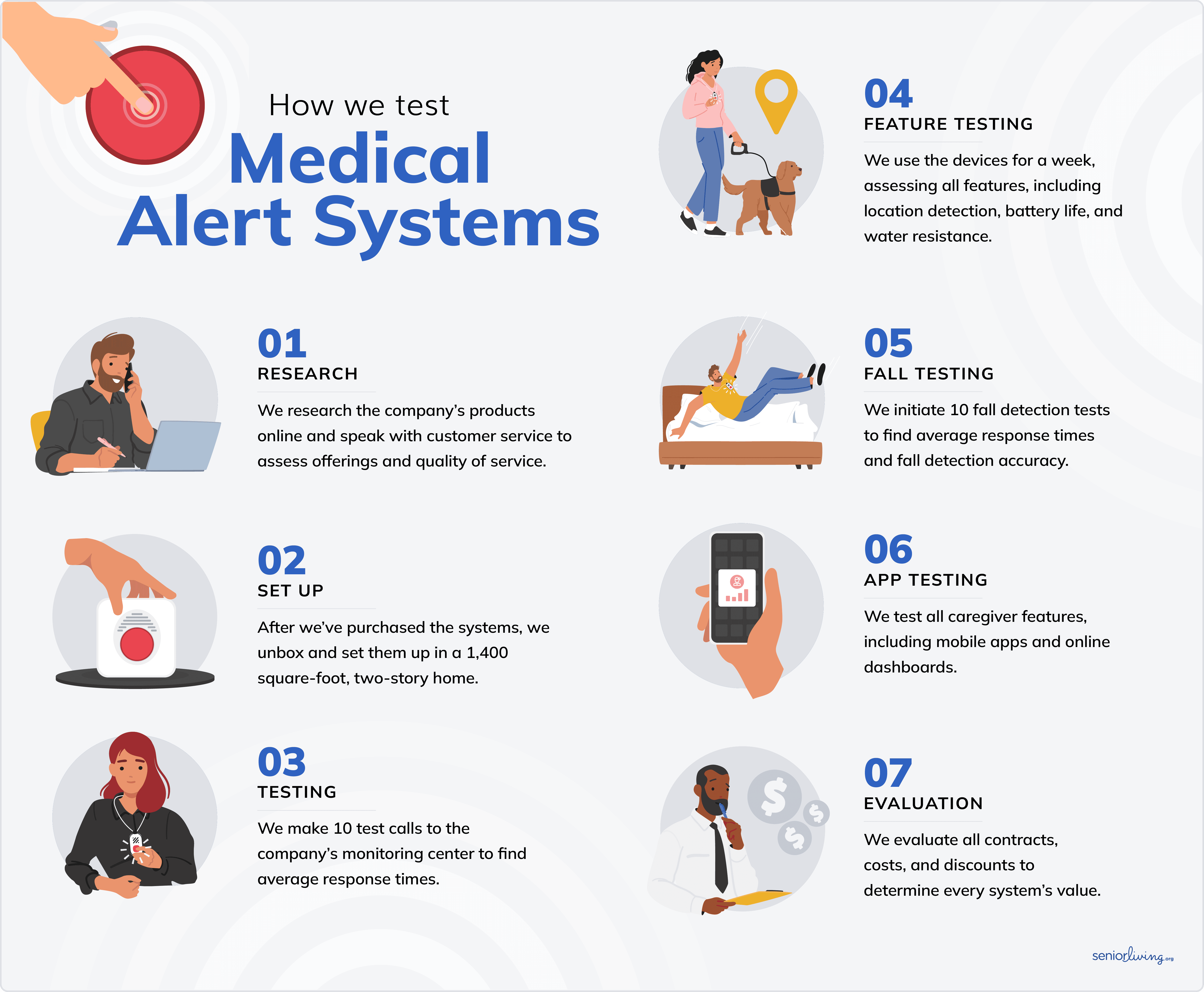
Our team of tech experts spent over 50 hours testing the SOS Smartwatch. We analyzed emergency-response times, ease of use, setup procedure and real-world functionality. Our team also considered pricing structures, evaluated competitors, reviewed customer feedback and consulted with industry experts to provide a comprehensive, unbiased assessment. We consider factors such as customer service, warranties and trial periods, as well as the experiences of seniors and their caregivers.
How We Evaluated the SOS Smartwatch
Similar to all of the medical alert systems we test, we evaluated the SOS Smartwatch using several key criteria:
- Price and value: We evaluated the watch’s price against its functionality. We considered additional costs, such as equipment fees, add-ons and protection plans. We looked for deals and seasonal promotions to help users save.
- Customer service: The efficiency, accessibility and friendliness of a company’s customer service are crucial. We spoke with Bay Alarm Medical’s customer-service team to assess their knowledge, helpfulness and patience.
- Response times: We made 10 test calls to Bay Alarm Medical’s emergency-response center to determine their average response times. Our team also tested the fall-detection feature, initiating several test falls to evaluate response times and accuracy.
- Reliability: We assessed the watch’s coverage area and reliability by testing it both at home and on the go.
Visit our medical alert system methodology guide to learn more about our testing process.

Bay Alarm Medical’s SOS Smartwatch is perfect for people who want a discreet medical alert system. We’ve tested all of Bay Alarm Medical’s medical alert systems, including the SOS Smartwatch, and found the systems to be solid and reliable. We ranked it as one of the best smartwatches for seniors in 2026.
When we unboxed the Bay Alarm Medical SOS Smartwatch, we were struck by how much it resembled a regular fitness tracker, rather than a medical alert device. That's exactly the point; it’s one of the reasons it has become popular for active older adults who want discreet emergency protection.
Our tech experts spent over 50 hours testing Bay Alarm Medical’s SOS Smartwatch. We also did comparative testing against medical alert wearables from leading competitors. During this deep dive, we found that the SOS Smartwatch is affordable and easy to use, even for people who aren’t tech savvy. Most importantly, it’s effective and provides a fast response if an emergency occurs.

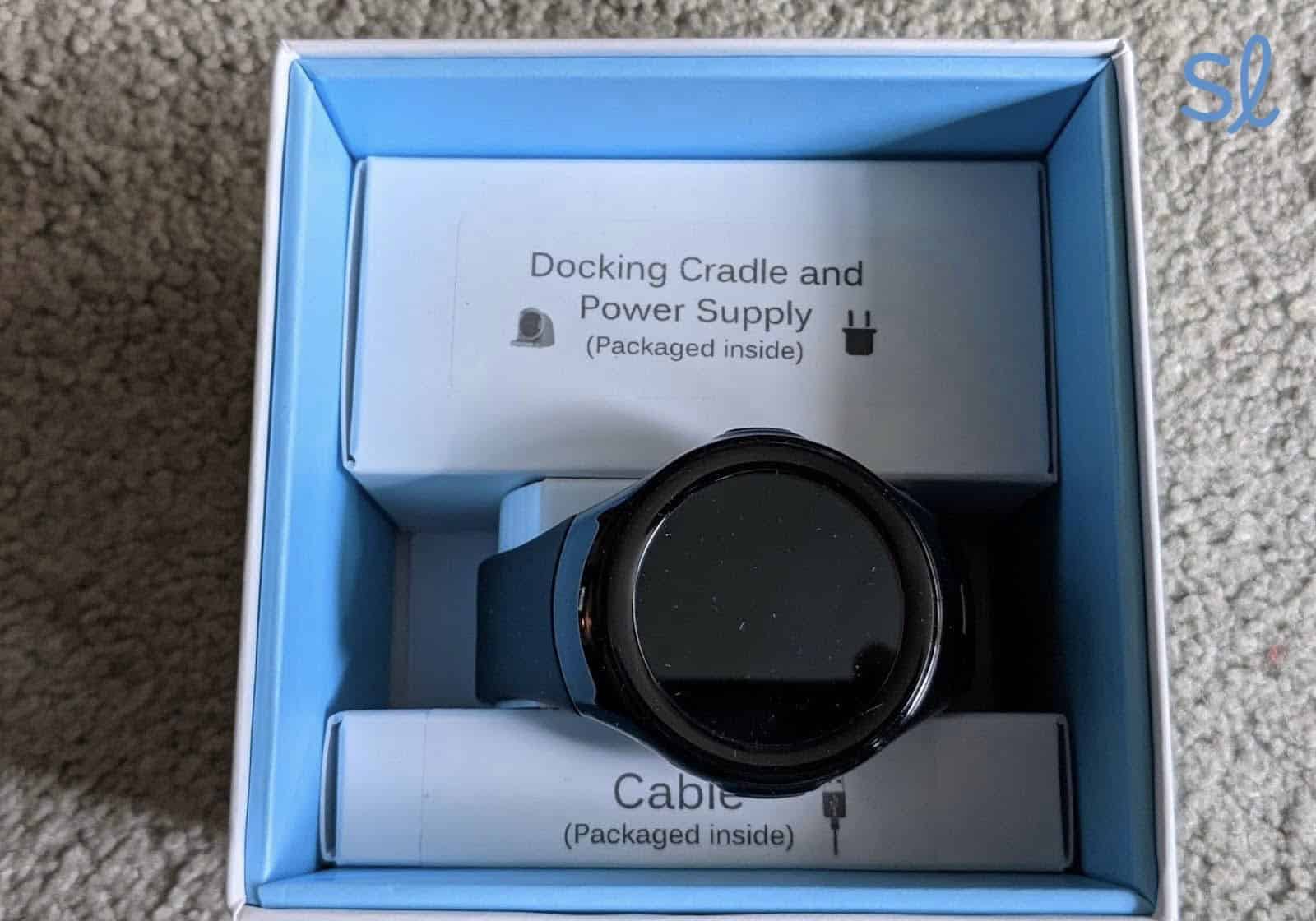
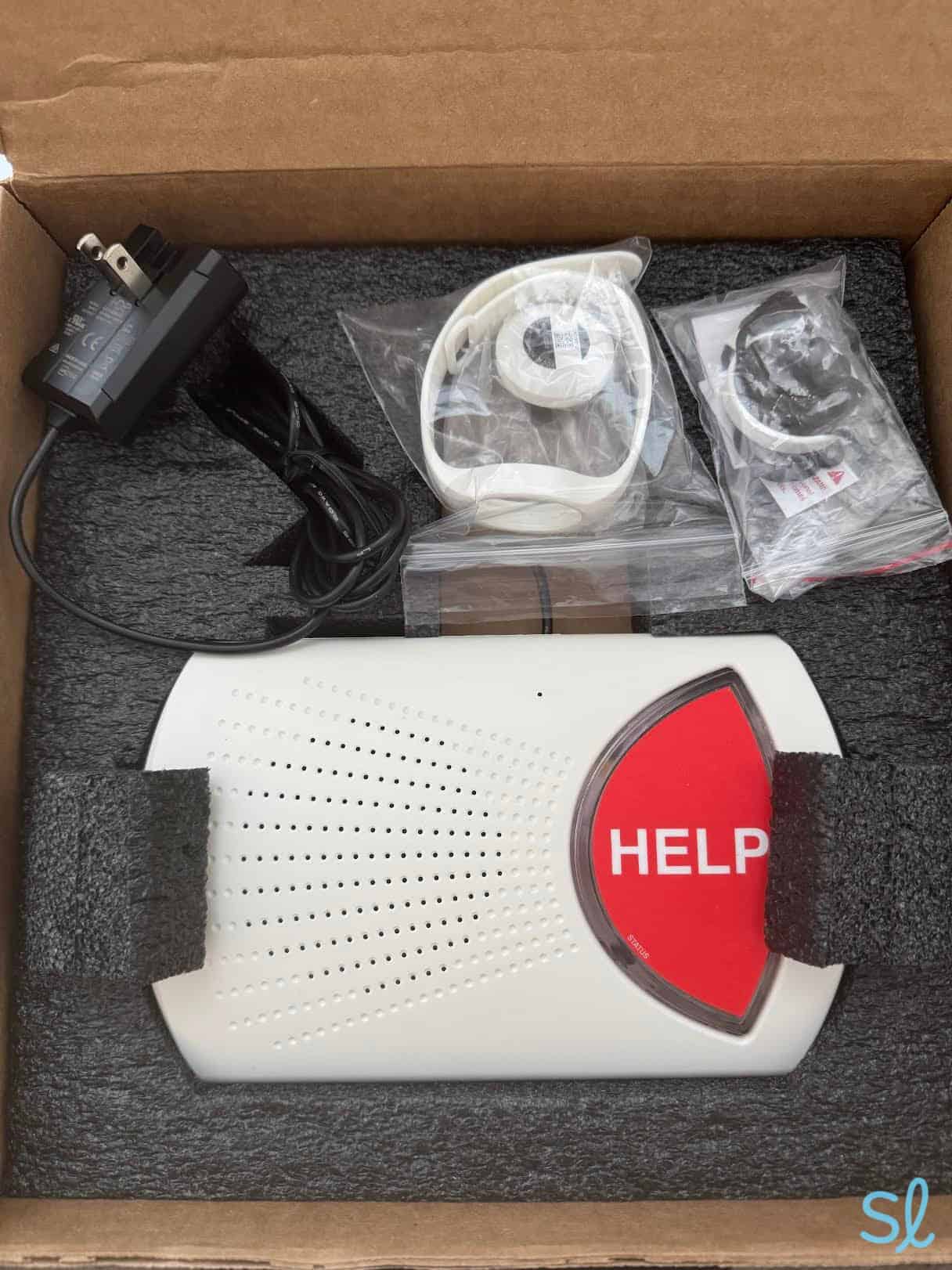
Docking Cradle and Power Supply
Pros About Pros
- Discreet design that looks like a regular smartwatch
- Nationwide coverage with GPS tracking capabilities
- Competitive pricing
- Two-way communication directly through the watch
- No long-term contract required
- Water-resistant for everyday activities
- Optional fall detection
Cons About Cons
- Short battery life
- Fall detection costs extra
- Does not connect to a smartphone
- Requires charging after six to eight hours
- No medication reminders, health-tracking features or other extras that come with Apple Watch and other medical alert smartwatches
Key Features and Pricing
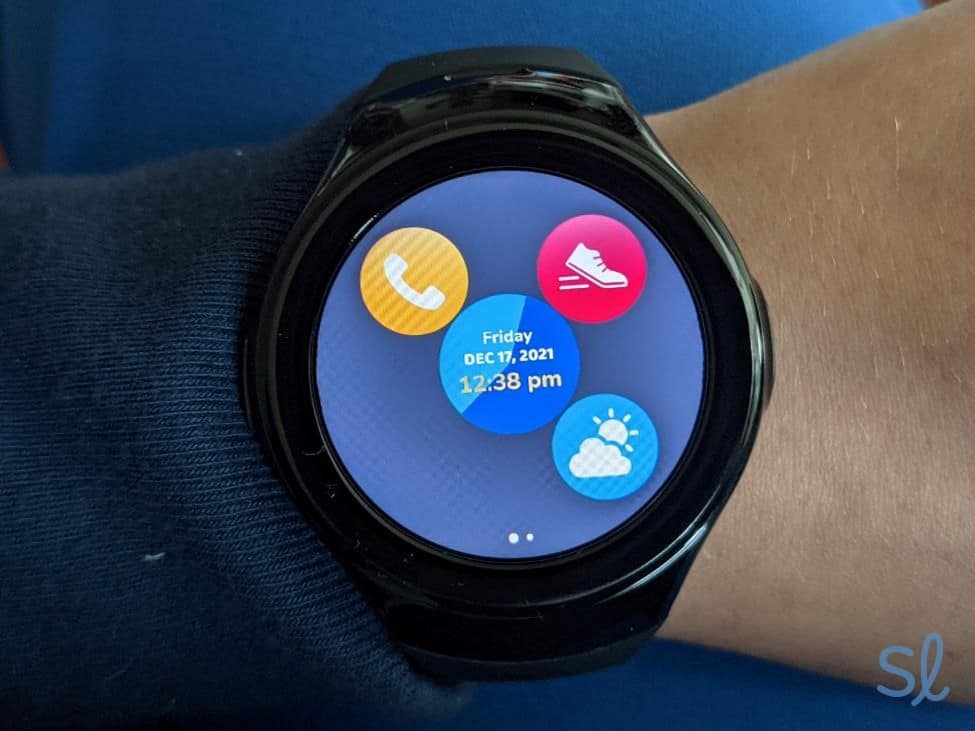
Testing out Bay Alarm Medical's SOS Smartwatch
The Bay Alarm Medical SOS Smartwatch packs considerable technology into its compact design. At its core, the device provides 24/7 access to Bay Alarm Medical’s monitoring center, which maintains an average response time of less than 60 seconds, according to both the company’s data and our own hands-on testing.
| Feature | Details |
|---|---|
| Monthly cost | $39.95 (standard) or $49.95 (with fall detection) |
| Device fee | $199 |
| Battery life | 6 to 8 hours |
| Water resistance | IP67 rating: dust tight and can remain in water for 30 minutes |
| GPS tracking | Yes |
| Two-way communication | Yes |
| Fall detection | Optional ($10 per month) |
| Coverage area | Nationwide (AT&T LTE network) |
The smartwatch operates on AT&T’s cellular network, providing indoor and outdoor nationwide coverage. Unlike home-based systems that limit protection to inside the house, the device keeps you connected whether you’re gardening, shopping or traveling across the country.
Unboxing and Setting Up Our SOS Smartwatch
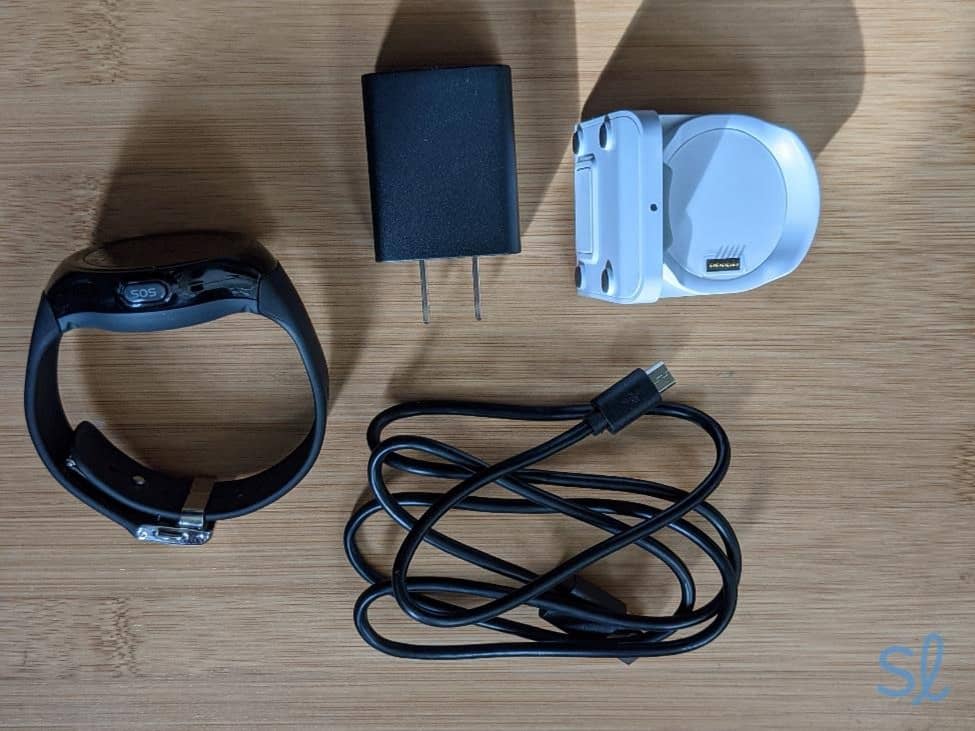
Unboxing our SOS Smartwatch
Setting up the SOS Smartwatch was easy and fast. All we had to do was remove it from its box and set it on its charger, which took around three hours to charge. We also called Bay Alarm Medical to activate service and completed a test call to their U.S.-based emergency center.
Here’s what came in the box:
- SOS Smartwatch
- Docking cradle charger
- Power plug and cable
- Quick-start guide
The quick-start guide is easy to read. It uses large print and clear illustrations, which is a huge plus for people with vision loss.
>>Related Reading: Smartphone Apps and Resources for Those With Vision Loss
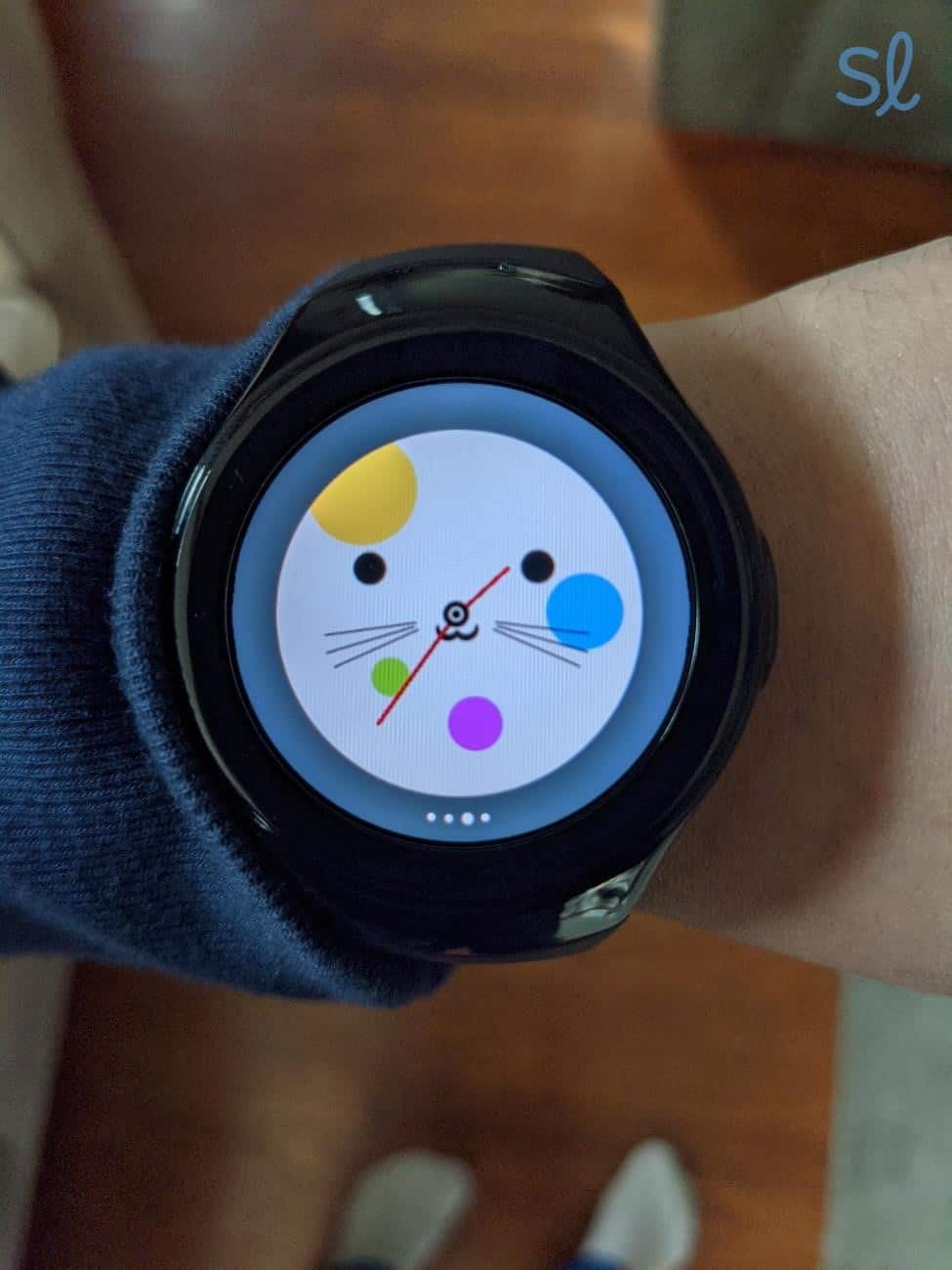
Once the watch was charged, we put it on and wore it for about eight hours. We found the watch interface simple and intuitive to use. Unlike Apple Watch, which has tons of features that can feel overwhelming or unnecessary, the SOS Smartwatch keeps things simple and focuses on its emergency response. The time display is large and clear, and the large, red emergency button on the side is impossible to miss. That makes getting help as simple and quick as possible in an emergency.
The SOS Smartwatch also makes sense for older adults on a budget, especially compared to the cost of many medical alert systems. Some systems, such as MobileHelp, include wristbands in their bundles. They don’t function as smartwatches, but they provide an extra layer of protection for older adults in and near their homes.
We appreciated that the charging cradle uses magnetic alignment — no need to fumble with tiny connectors. The watch provides clear low-battery warnings by vibrating and displaying a low-battery icon when charging is needed.
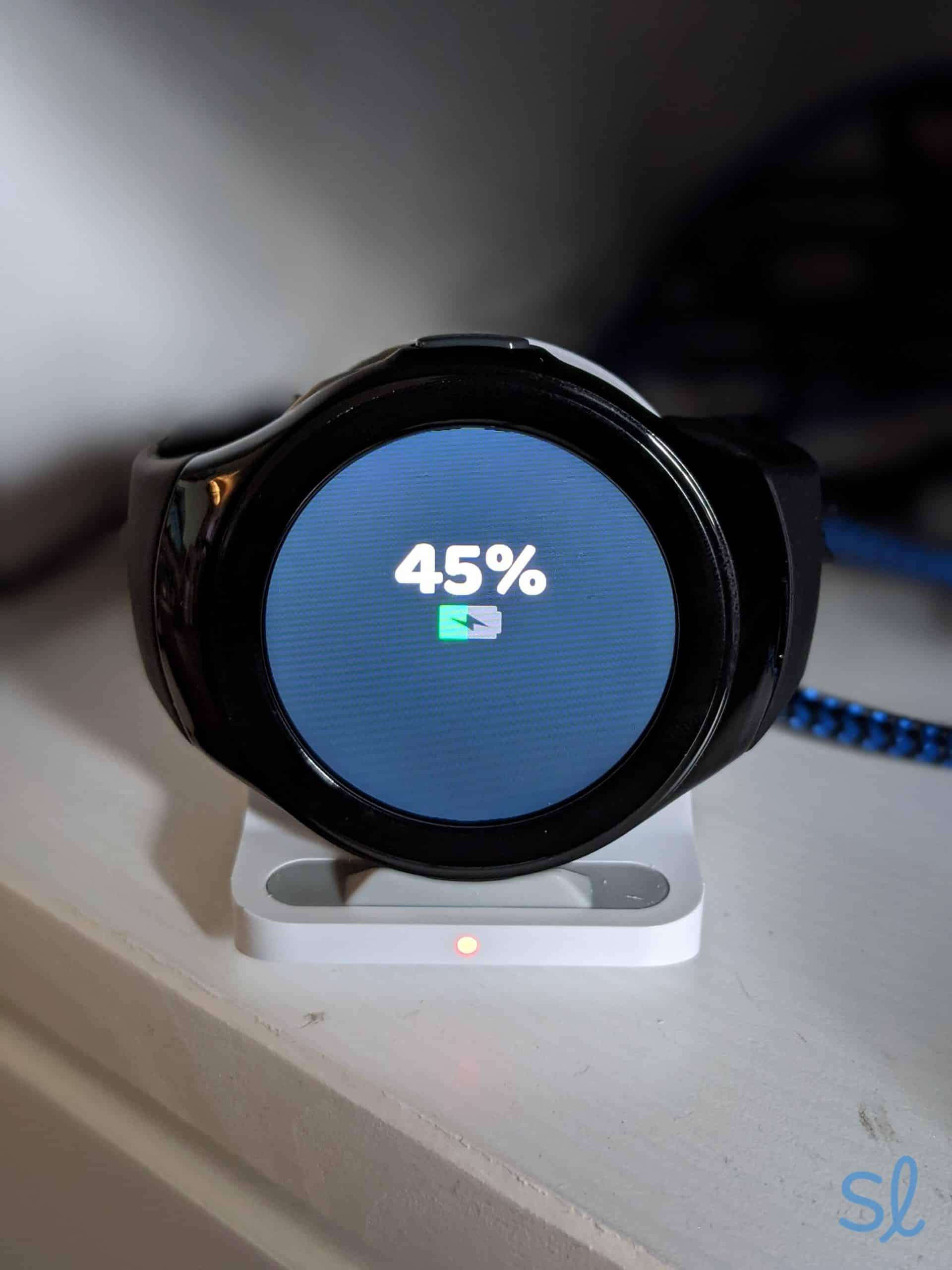
Bay Alarm Medical's SOS Smartwatch clearly displays the battery level and provides low-battery notifications.
Testing the Smartwatch’s Features
Making Emergency Calls
The heart of the SOS Smartwatch is its emergency button, which is prominently positioned on the watch face. When pressed, it immediately connects you to Bay Alarm Medical’s U.S.-based monitoring center.
We tested the feature multiple times and were consistently connected with a helpful operator within 45 to 60 seconds. The two-way speaker works very well. The operators could hear us clearly even in moderately noisy environments, such as busy coffee shops.
We found that Bay Alarm Medical’s SOS Smartwatch has a comparable response time to other devices we tested, including Medical Guardian’s MGMove.
GPS Tracking and Location Services
The SOS Smartwatch’s GPS tracking was very accurate during our testing. We tested the watch at home, on walks and while running errands, and it always pinpointed our location within 10 to 30 feet.
We could easily access the watch’s location information through Bay Alarm Medical’s caregiver app. If a fall or other event occurs, the call center will also notify one or more family members or caregivers via phone.
Using Fall Detection
The optional fall-detection feature uses accelerometer technology to detect sudden movements that are consistent with falls. When we tested controlled falls (safely, with padding), the system detected eight out of 10 falls accurately.
Once a fall was detected, a message on the watch popped up asking if we had fallen. We could press either “Help” or “Cancel.” The feature prevents first responders from showing up at your front door after a false alarm. We also found that wearing the watch on our nondominant wrist led to better fall-detection accuracy, since that arm typically moves less during daily activities.
>> Related Reading: Best Medical Alert Systems of 2026
Health Features
The SOS Smartwatch tracks your daily steps to help you stay on top of your fitness goals. We found that the tracker was pretty accurate compared to other step counters we’ve used on Apple Watch and our smartphones.
We love the watch’s step tracker, but we wish the watch had more health-monitoring features, such as heart rate and blood pressure. We also wish it had medication reminders, since it’s so easy to forget to take a pill when you’re on the go and active. Walking is one of the most common forms of exercise for older adults, however, so the watch’s ability to track steps is very helpful.
Watch the video review below with SeniorLiving.org Editor-in-Chief Jeff Hoyt to learn more about our experience testing the SOS Smartwatch.
Companion App and Caregiver Features
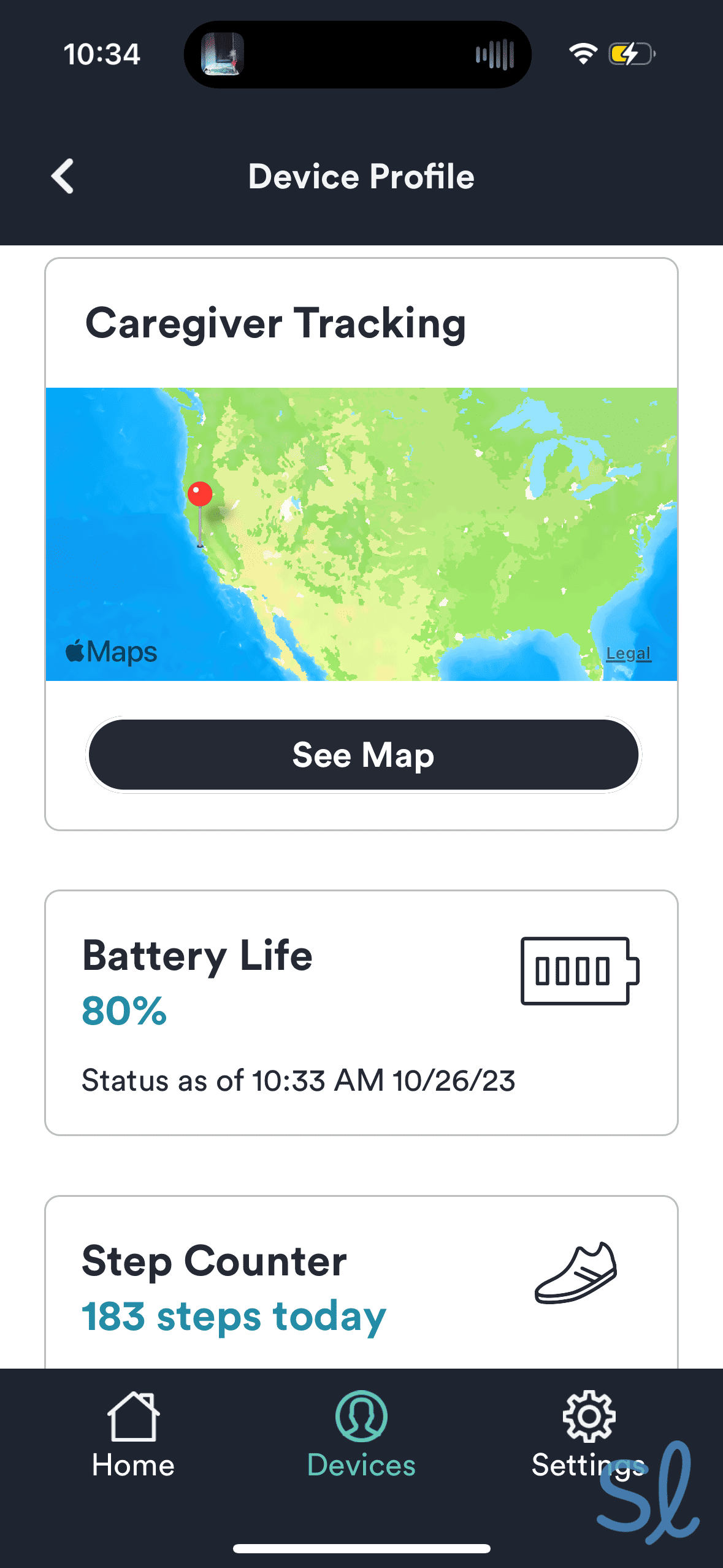
Tracking our systems' location using the Bay Alarm Medical companion mobile app.
Bay Alarm Medical’s caregiver app provides valuable information for both caregivers and users. We could check our daily steps and location, plus receive alerts when the help button was pressed.
The smartwatch itself does not connect to an app, so it keeps things simple for the user. Family members can receive alerts when the emergency button is pressed. The caregiver app lacks a few advanced features, such as a heart rate monitor, which LifeFone and other companies offer.
SOS Smartwatch vs. the Competition
The SOS Smartwatch is priced competitively compared to other popular medical alert smartwatches. It also has very similar features to competitors, so we’d recommend it if you’re looking for an affordable watch that still has the most important features.
The biggest drawback is the watch’s short battery life, especially compared to the UnaliWear Kanega watch, which has a battery that lasted 24 to 36 hours during our testing. The SOS Smartwatch’s battery typically lasts six to eight hours, depending on usage.
| Brand | Device | Monthly cost | Equipment fee | Fall detection |
|---|---|---|---|---|
| Bay Alarm Medical | SOS Smartwatch | $39.95 | $199 | $10 per month |
| Medical Guardian | MGMove | $39.95 | $134.95 | Included |
| UnaliWear | Kanega Medical Alert Watch With Fall Detection | $84.95 | $299 | included |
Bay Alarm Medical charges an up-front device fee, but the base monthly rate is lower than many competitors. The SOS Smartwatch 360 bundle, which costs $64.95 a month (plus a $199 device fee), includes both the watch and their home system, offering comprehensive protection.
Seniors who like the look of the watch may also consider Medical Guardian’s MGMove smartwatch, which has a similar aesthetic and additional features such as messaging and medication reminders.
Customer Support and the Buying Experience
Bay Alarm Medical sells the SOS Smartwatch on their website and consumer sites such as Amazon. We found online ordering to be straightforward. We just selected the system we wanted, and the website walked us through the customization and checkout process with clear instructions and illustrations.
During our testing, we called Bay Alarm Medical’s phone support line a few times to ask questions. We found their staff to be helpful and patient when we asked questions both before and after purchase. Their representatives patiently explained features without using high-pressure sales tactics.
Warranty, Trial Period and Cancellation Policy
Bay Alarm Medical provides a 15-day risk-free trial period after purchase. It allows you to test the SOS Smartwatch during your daily routine. If the watch isn’t to your liking, you can return it for a full refund of equipment fees and any monthly charges you’ve already paid. For comparison, Medical Guardian offers a similar trial period of 14 days, while MobileHelp offers an extended 30-day trial period.
The device comes with a limited warranty covering wear and tear and manufacturer defects. Extended warranty options are available through Bay Alarm Medical’s Premier Protection Plan, which has an additional monthly cost.
The Final Verdict
After thorough testing, we found that the Bay Alarm Medical SOS Smartwatch delivers reliable emergency protection in a very discreet package. Its strengths lie in its sleek design, competitive pricing structure and reliable 24/7 monitoring. The GPS tracking works well, the two-way communication is clear and the monitoring center response times meet industry standards.
The main weaknesses — shorter battery life than some competitors and the upfront equipment fee — are notable but not deal-breakers for most users. The lack of health-monitoring features may disappoint tech-savvy seniors, but it also means fewer complications for those who simply want emergency protection.
The device is best for active, independent older adults who value discretion and spend significant time away from home. The combination of nationwide coverage, optional fall detection and reasonable pricing makes it a solid choice in the increasingly crowded medical alert market. It may not have all the bells and whistles of more expensive options, but it excels at its primary job: keeping you connected to help when you need it most.
Frequently Asked Questions
-
Does the Bay Alarm Medical SOS Smartwatch work without a smartphone?
Yes, the watch operates independently using its built-in cellular connection. You don’t need a smartphone to use its emergency features.
-
Can I wear the watch in the shower?
Yes, the IP67 water-resistance rating means it’s safe for showering and washing dishes. Avoid submerging it in pools or hot tubs though.
-
How accurate is the fall-detection feature?
Fall detection typically catches 80 percent to 95 percent of falls, although no system is perfect. The technology works best for hard falls, but it may miss slow falls or slumps.
-
Will the watch work during power outages?
Yes. Since it uses cellular networks rather than home power, the watch continues working during outages. Just ensure that it’s charged beforehand.
-
Can multiple family members access the caregiver app?
Yes, you can add multiple caregivers to receive alerts. Each person needs their own app account with login credentials.
-
Is there a minimum age requirement for users?
Bay Alarm Medical doesn’t specify a minimum age, but the service is designed for older adults. Some families use it for younger adults with medical conditions.
-
U.S. Centers for Disease Control and Prevention. Facts About Falls. (2024). https://www.cdc.gov/falls/data-research/facts-stats/?CDC_AAref_Val=https://www.cdc.gov/falls/facts.html