Lifeline Medical Alert Systems: Pricing and Value in 2026
Lifeline offers straightforward medical alert systems for at-home and on-the-go use starting at $34.95 per month, backed by more than 45 years of experience serving older adults.


Our senior tech experts spent more than 50 hours testing Lifeline. Our evaluation included looking at product variety, at-home and mobile units, price, customer service, and more. Here are some of the factors we considered:
- Price and value: Lifeline’s products were evaluated for monthly costs, installation, device fees, monitoring costs, and any add-on fees to determine price and value. We also looked at savings from discounts, promotions, referral programs, and veteran and AARP discounts.
- Customer support: We considered whether a 24/7 monitoring center was available, as well as ease of contacting customer service and ways to get in touch with them.
- Senior-friendly features: Medical alert systems are made with older adults in mind, so we tested how user-friendly and reliable the systems were. We also looked at ease of access to emergency-response services and fall detection.
- Response times: We measured response times, comparing them to industry averages. We made test calls to Lifeline’s monitoring center and tested the systems at home, on walks, and while running errands. Fall detection accuracy was also measured.

As one of the first companies to offer medical alert systems in the United States, Lifeline has over 50 years of experience protecting older adults and providing peace of mind to their families. The company currently serves more than 7.5 million people.1
When we reviewed Lifeline, we found its offerings quite streamlined. It offers three packages: HomeSafe, On the Go mobile, and a smartwatch. We noticed, however, that it costs more (before discounts) than some of the best medical alert systems. Lifeline’s charges are a few dollars more per month than Bay Alarm Medical’s prices and Medical Alert’s monthly rates.
Is Lifeline worth it? To answer that, our medical alert experts spent about 50 hours dissecting and examining Lifeline’s offerings, including personally testing the HomeSafe and On the Go systems. Keep reading to find out our final verdict.
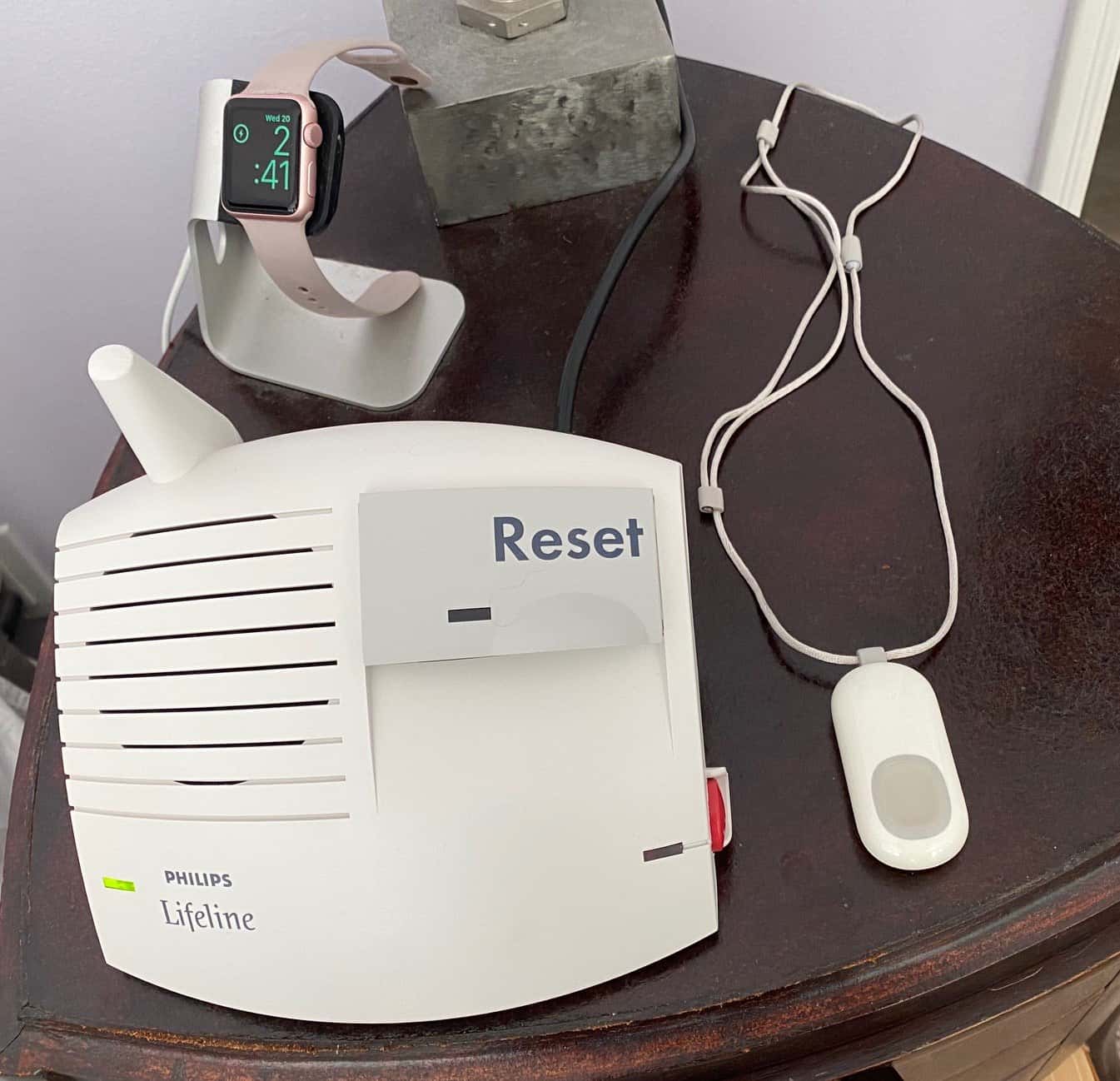
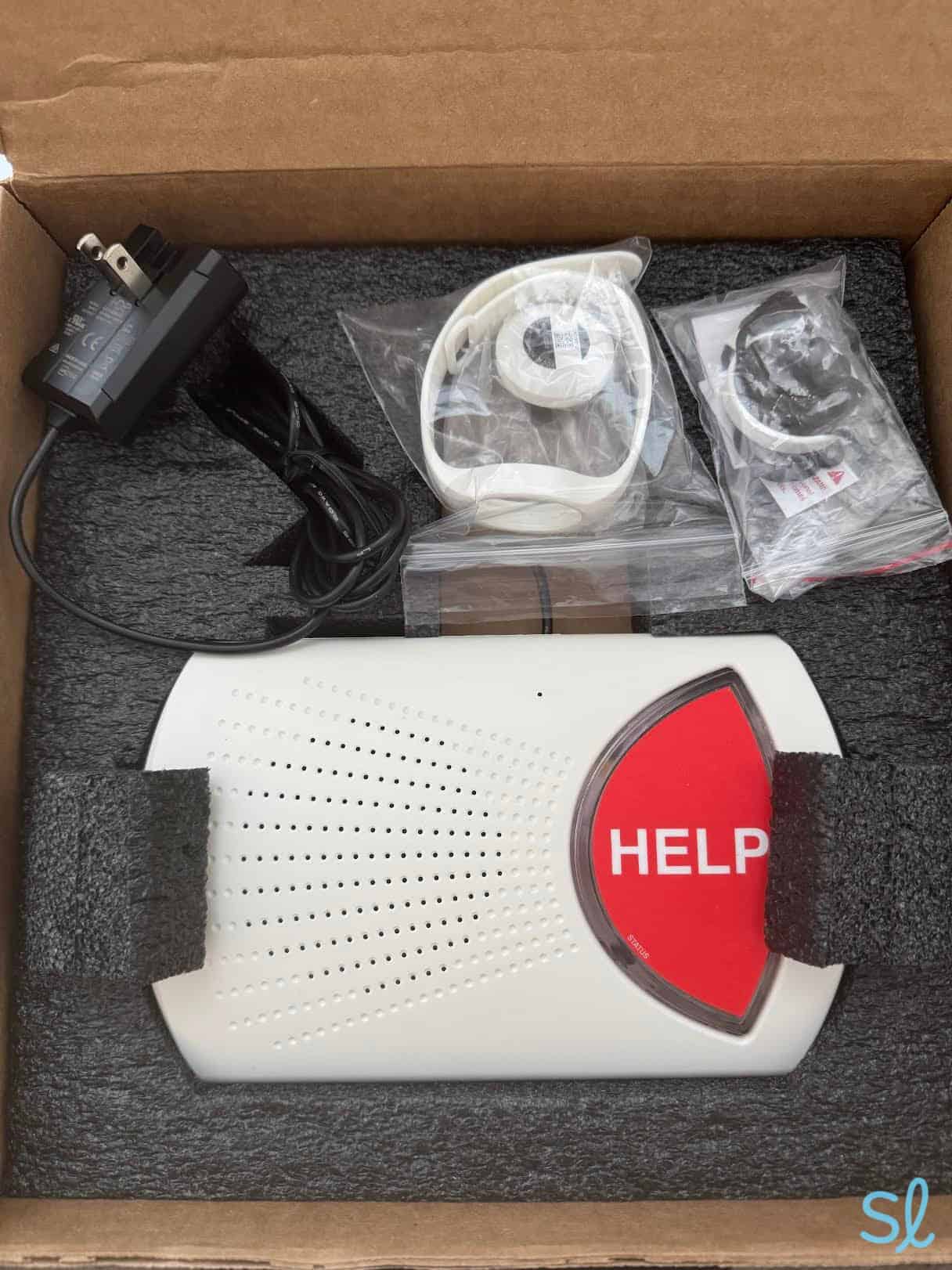
Lifeline equipment

Lifeline at a Glance
✔ Waterproof, wearable pendants
✔ Well-known medical alert system provider
✔ Two-way voice communication
✔ AT&T cellular connectivity
✔ Month-to-month options
✔ 24/7 monitoring with all packages
✔ My Lifeline mobile app
✔ Fall detection available
The Best Affordable Alternatives to Lifeline
With decades of trusted service and extra features such as the My Lifeline mobile app, Lifeline is a fantastic choice for older adults who need a medical alert system. That said, several other providers are offering lower monthly rates and higher-tech systems. Check out our list of the best medical alert watches that offer more functional and affordable devices than the smartwatch from Lifeline.
FYI: With the My Lifeline app, you can directly access assistance, track system usage, update your account, receive alerts, manage your system, update your contact list, check your battery status, and more.



The Fast Facts: Lifeline Equipment and Pricing
At first glance, you’ll probably notice in the chart below that Lifeline tacks on many extra fees for activation, equipment, shipping, and installation. But here’s the good news: If you give Lifeline a call, the representatives may waive some of these fees (typically shipping and activation).
| Lifeline product | Monthly price | Fall detection | Shipping and setup fees |
|---|---|---|---|
| HomeSafe | $39.95 (or $34.95 per month billed annually) | $15 per month | Shipping: $29.95 Setup: $99.95 |
| On the Go | Standard: $49.95 (or $39.95 per month billed annually) Mini: $54.95 (or $44.95 per month billed annually) |
$15 per month | Shipping: $29.95 Setup: $99.95 |
| Smartwatch | $44.95 ($34.95 per month billed annually) | $15 per month | Shipping: $29.95 Installation: $99 (optional) Device fee: $159 |
A Closer Look at Lifeline Systems and Value
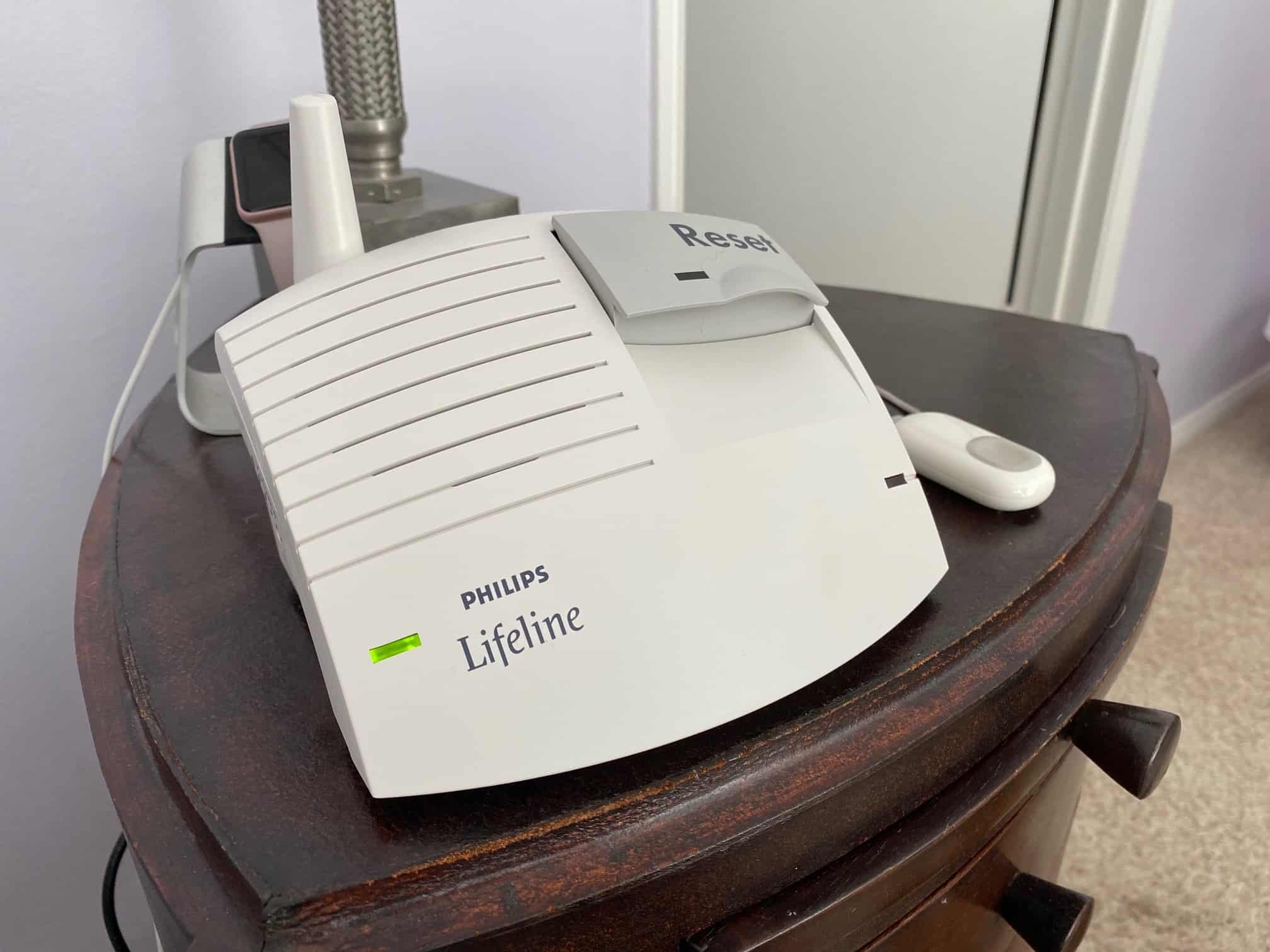
Lifeline HomeSafe system
HomeSafe
HomeSafe is Lifeline's lowest-priced option, starting at $39.95 on a month-to-month plan, or $34.95 per month if you opt for the annual plan. It costs the same as entry-level LifeFone systems and less than LifeStation models, so it’s fairly priced for the industry.
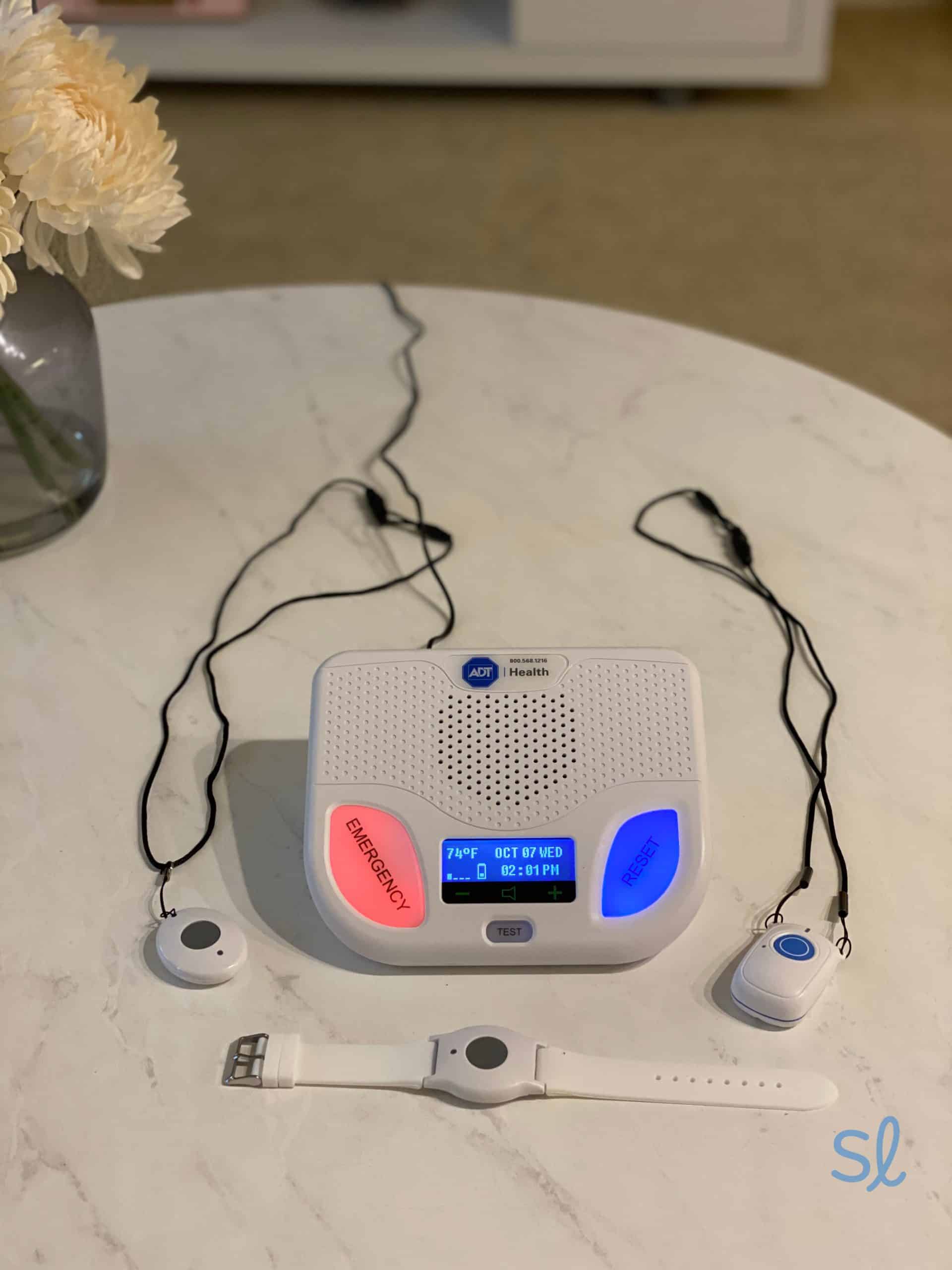
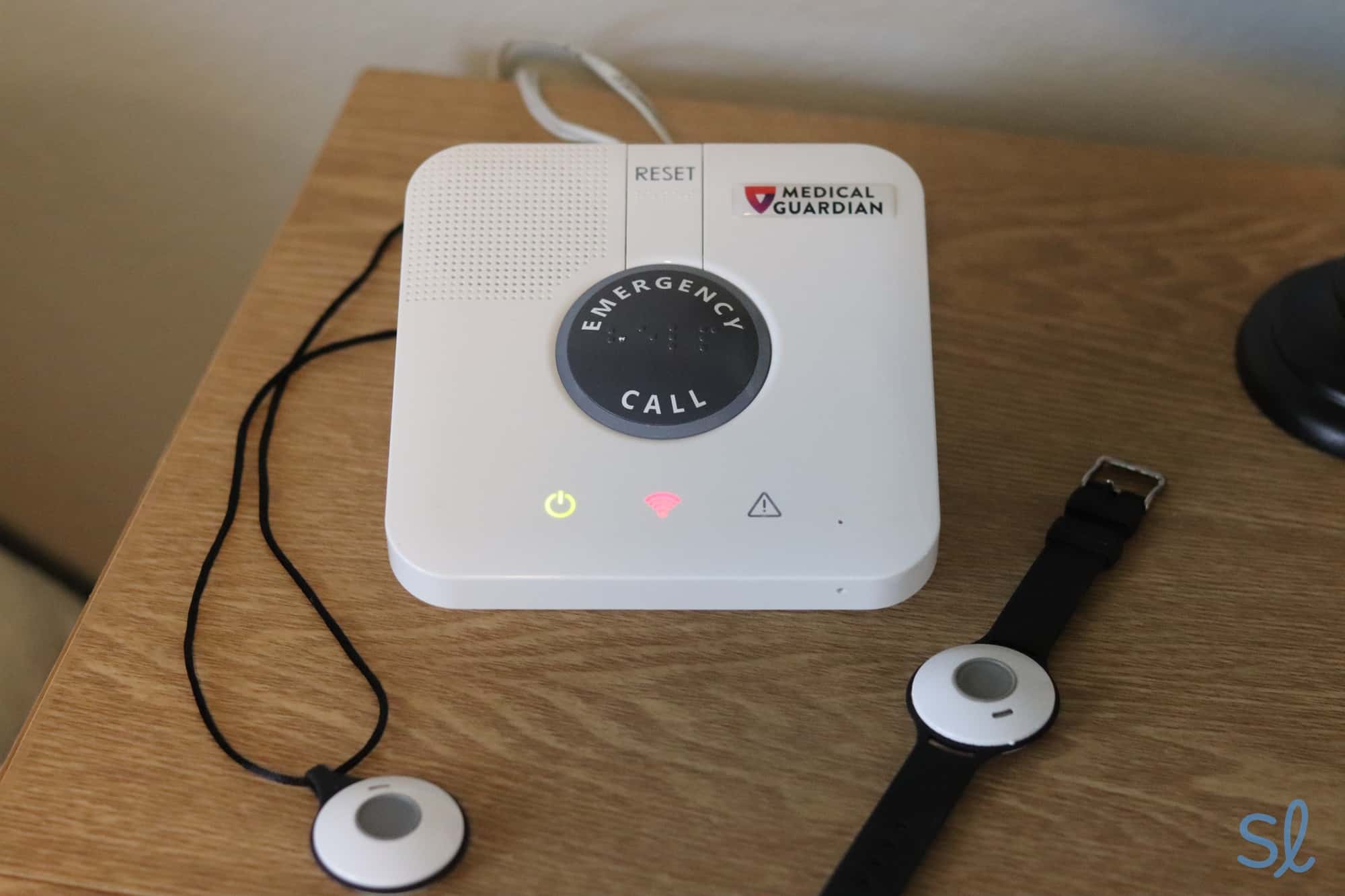
You can also add fall detection to the system for $15 per month. That’s on the pricier side, since fall detection from companies such as Bay Alarm Medical is around $5 less per month. To compare a few more affordable fall-detection options, head to our latest ADT Health review and Medical Guardian review. Also, check out our list of the best medical alert systems with fall detection.
Did You Know? All Lifeline systems come with access to the My Lifeline mobile app at no extra cost. The app lets family members and caregivers monitor the status of the user’s devices, create a personalized care plan for emergencies, and share notes and information with other family members.
On the Go
On the Go is a solid option if you want a device that offers protection anywhere you go. It has a battery life of up to four days on a single charge. The system has both a standard and mini version for those wanting more discreet protection.
Priced between $44.95 and $49.95 per month, it's more expensive than the HomeSafe system. Unlike the HomeSafe models, On the Go is an all-in-one wearable system that you can use both on the go and at home, so it's more versatile despite the higher price.
As long as you’re in an area with reliable AT&T service, you’re set.2 On the Go has location-tracking technology, and you can add fall detection for $15 per month. The pendant, which can be worn as a necklace, also comes with a built-in two-way speaker and a help button for quick and easy communication.

Editor Jeff Hoyt testing On the Go
For those who frequently spend time outside the home, we’d recommend this Lifeline system. If you're on a tight budget, however, there are more affordable mobile systems to consider. The Bay Alarm Medical on-the-go system we reviewed and the MobileHelp packages we tested, for example, offer similar features for a few dollars less per month than Lifeline. Keep in mind, however, that other mobile systems may not be all-in-one systems or as lightweight as Lifeline’s On the Go.
Did You Know? Lifeline’s 200-person team of trained care specialists responds to an average of 18,000 incoming calls per day. The response center supports over 140 languages.3
Smartwatch
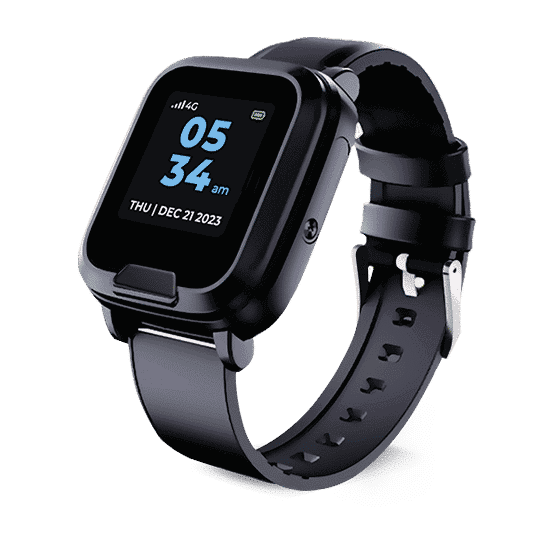
Lifeline Smartwatch
Lifeline's Smartwatch costs $39.95 per month, plus a $159 device fee. Subscribers can save a few bucks per month by paying annually or quarterly. You also get free shipping and a free lockbox with annual payments.
This is our top pick if you’re looking for a more high-tech, sleek system. It looks just like a standard smartwatch, so no one will know you’re wearing a medical alert system. Plus, it has features like step tracking and heart monitoring to help you stay on top of your health.
Add-On Accessories: Pricing and Features
Compared to other companies, such as Bay Alarm Medical, Lifeline doesn’t offer many accessories. The only add-ons are a lockbox and a protection plan, priced at $2.95 per month and $6.95 per month, respectively.
The key lockbox gives first responders access to your home in the event of an emergency. Having a lockbox in place could save you additional costs, since first responders won’t have to damage your door to reach you during an emergency. We wish Lifeline offered more add-on equipment, but it’s perfect for those who just want to keep things simple.
Did You Know? With Care Notes on the My Lifeline app, family, friends, and caregivers can stay up to date and share details of recent visits with loved ones. Users can share photos, view reactions, respond to notes, and more.
Compare Lifeline to Other Providers

How to Get the Best Deal With Lifeline
Lifeline runs deals throughout the year to help you save. Some deals may not be advertised online, so be sure to call Lifeline’s customer support line to ask a representative about any ongoing promotions or current deals.
You can do a few other things to get the best value and save the most money on your Lifeline service, including:
- Order your system over the phone: Lifeline adds several extra fees and up-front costs to start your service. That’s pretty standard with most companies, but you can typically get a few of those fees waived if you call to speak with a representative. If you skip this step and go straight to ordering online, you’ll likely be stuck paying the fees.
- Choose self-installation: Medical alert systems are designed to be simple to set up and use, and Lifeline does a great job of ensuring that the setup process for all of their alert systems does just that. The company offers a professional installation option for $99, but there’s typically no need for it. Every package comes with a detailed instruction manual, and customer service can answer any additional questions you may have during setup.
Is Lifeline Right for Me?
Now that you know more about Lifeline, you may wonder if you need a medical alert system. Let's take a look at the stats. According to the Centers for Disease Control and Prevention (CDC), more than 1 in 4 adults age 65 and older report falling each year, and falls are the leading cause of injury-related death among older adults.4
Having a medical alert system that lets you call for help with the press of a button could save your life. Maybe you're thinking, “But I have a phone, so I could just call 911.” That's great, but many falls happen in the bathroom, where you're far less likely to be able to reach the phone. Fortunately, all help buttons from Lifeline's medical alert systems are waterproof, so you can call for help even if you fall in the shower.
Lifeline vs. the Competition
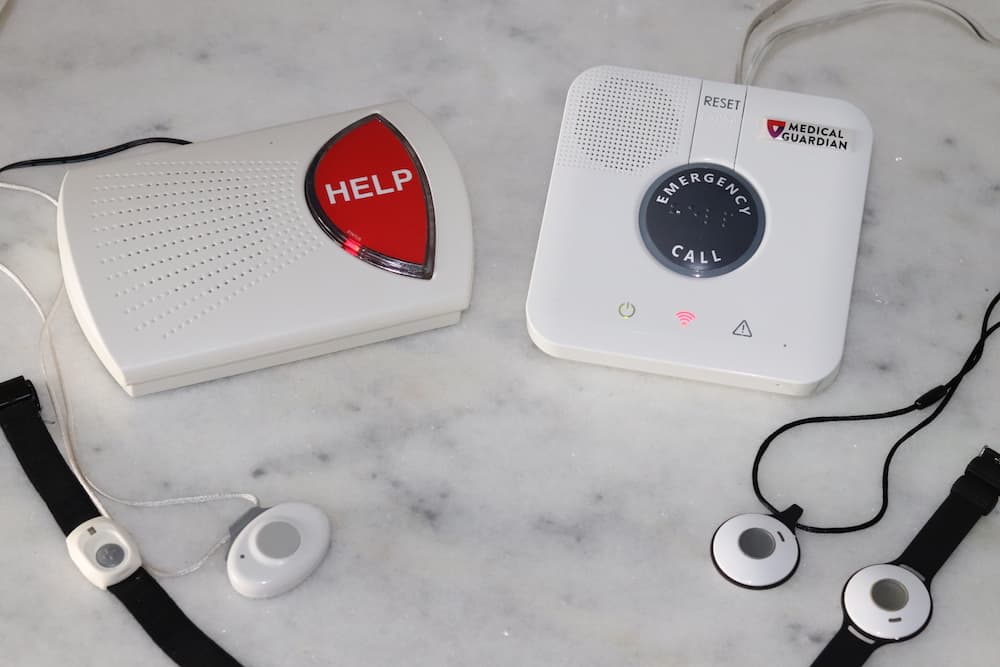
Lifeline has a long history in the industry, but other companies offer systems with older adults in mind. Below is a brief overview of what some competitors have to offer.
Lifeline vs. Medical Guardian
Lifeline offers only two systems and a smartwatch. Medical Guardian packages, however, include options for three on-the-go systems and two home systems. They have high-tech products with prices starting at around $30. The MGMini we reviewed also has a broad signal range at up to 1,400 feet. Both offer the option for fall detection, but Medical Guardian charges only $10 a month.
Lifeline vs. ADT
ADT is a familiar brand with a strong reputation and more than 145 years of experience. ADT packages offer three systems with add-on features and a price-lock guarantee, but they have a range of only 600 feet. ADT has several U.S.-based emergency-response monitoring centers that are company-owned and operated and monitored 24/7 by professionals trained to support older adults.
Lifeline vs. Bay Alarm Medical
Bay Alarm Medical has existed for more than 75 years. Prices for Bay Alarm Medical start at around $27.95 per month. They offer four systems and a 30-day risk-free trial. Fall detection can be added for $10 a month. The company has 24-hour U.S.-based emergency response centers with an average response time of 10–20 seconds.
Final Thoughts on Pricing and Value for Lifeline
If you’re looking for a medical alert company with decades of experience, Lifeline is a great option. There’s an added level of reassurance knowing that the company has been serving seniors and their families for nearly 50 years.
Lifeline’s systems are on the pricier end compared to other companies in the industry. Still, the reliable technology, fall detection options, and user-friendly equipment make the price worth it. Plus, they offer a companion mobile app called My Lifeline, allowing family members and caregivers to check the status of the user’s devices and share notes with other loved ones. Overall, Lifeline systems are simple and reliable, so if you want a system that doesn’t overcomplicate things, they’re a solid choice.
Frequently Asked Questions About Lifeline
-
How much does Lifeline cost per month?
Depending on the package you choose, Lifeline can cost anywhere from $34.95 per month to $49.95 per month.
-
How does Lifeline work?
Lifeline operates multiple 24/7 operating centers that can send help to users at any time. All the subscriber has to do is press the help button on their base station or wearable pendant, and they’re automatically connected to the monitoring center. Depending on the type of emergency, the live operator will send the appropriate help to your exact location.
-
Does Lifeline have long-term contracts?
No, Lifeline doesn’t have long-term contracts. All systems are paid for on a month-to-month basis, so you can cancel your service at any time without penalty.
-
Lifeline. (2025). Lifeline Products.
-
AT&T. (2020). Wireless Coverage Map.
-
Lifeline. (2025). The Lifeline Response Center.
-
National Council on Aging. (2024). Get the Facts on Falls Prevention.
-
Aging.com. (2023). Falls Are, Unfortunately, a Common Occurrence.